AI talking head videos of you, from any script
Two minutes of you on camera, once, in; a talking head video of you saying any script out, as often as you need one. Your AI twin, an AI avatar made from your own recording, saves you the filming, lighting and retakes for every post. Each video shows its credit cost before it is made, and you can start free with 200 credits, no card needed.
Last updated 22 November 2026.
Run My Social makes AI avatar videos of you without filming each one. Upload about two minutes of yourself talking and record a short consent on camera; your AI twin is trained on that recording, usually in 10 to 30 minutes. After that, any script becomes a video of you, said word for word in your own voice. Scripts are written from your brand brain and your niche research, and the home page shows 5 on-camera edits we made, from words behind you to a split-screen tool reel.
How it works
- In Videos of you, set up your twin: upload about two minutes of yourself talking to camera, once.
- Record a 30-second consent on camera, reading one sentence to show it is you and you agree. Training usually takes 10 to 30 minutes.
- Pick a style and choose “Use my twin”. Write the script yourself, or let Run My Social write it from your brand brain and what is working in your niche.
- Any script becomes a video of you talking, edited in your colours and your words.
- You see the credit cost before it runs, then approve it to post.
What you give, and what you get back
| In Run My Social | |
|---|---|
| You record, once | About two minutes of yourself talking to camera, in one take. The app accepts a video from 30 seconds to 10 minutes. |
| You confirm | A 30-second consent on camera: the person in the video reads one sentence to show they agreed. The twin cannot be used until that is done. |
| Training | Usually 10 to 30 minutes, one time. |
| Each video | A script goes in, written by you or from your brand brain. A talking head video of you saying it, word for word, comes out. |
| Cost | Credits: once for the twin, then per video, with the number on screen first. Billing is by the second of finished video, and failed training or a failed video costs nothing. |
| Posting | Waits for your OK, then goes to Instagram, Facebook, YouTube, X or LinkedIn. |
If twins are not switched on for your account yet, the app says so.
AI avatar, AI twin or talking head video?
Three names for nearly one thing. A talking head video is any video of a person speaking to camera. An AI avatar video has that person generated, not filmed. An AI twin, also called a digital twin, is an avatar trained on a recording of one real person. Videos of you are the twin kind: the face and the voice come from your own two minutes, so the result reads as you talking. Our longer guide, AI twin vs AI avatar, covers when each one fits.
Tips for the two-minute recording
Every later video is made from this one recording, so give it ten careful minutes. The set-up screen asks for:
- One take of about two minutes, looking at the camera throughout.
- You in the centre, framed from the chest up, the way you want to appear in your videos.
- Soft, even light on your face, in a room without background noise.
- A closed mouth for the first second, then your normal speaking pace, with a pause after each sentence.
- An upright phone (9:16) if the videos are for reels and Shorts.
Whatever is in the sample carries into every video: dim light, a noisy room or a busy background will show up each time, so fix them before you press record.
Your twin, your own take, or no face
- Use my twin
- For videos you want often, without setting up a camera: tips, explanations and answers to the questions your audience asked this week.
- Upload my own video
- For a take you have already filmed, or when the delivery matters. The AI video editor frames it, captions it and cuts in your B-roll.
- Nobody on camera
- A faceless reel needs no face. The AI reel maker page lists all six ways to make a reel.
What an AI twin will not do
- Copy someone who has not agreed. The person in the video records the consent themselves, and the twin stays unusable until they do.
- Walk or handle things. It only talks to camera, so a tour of your shop or a product in your hands still needs a real shoot.
- Hold up in every shot. It looks most natural in short videos; in long ones and close-ups, viewers are more likely to notice small mismatches in lips or eyes.
- Stand in for you on personal news, an apology or a reply to one person’s comment. Film those yourself.
- Check the script for you. It repeats every word, so a wrong price or a promise you cannot keep gets published with your face on it. Read each script first.
- Post to TikTok. Videos of you go to Instagram, Facebook, YouTube, X and LinkedIn.
On-camera edits we made

Words behind you
Video of you

Keyword pop captions
Video of you
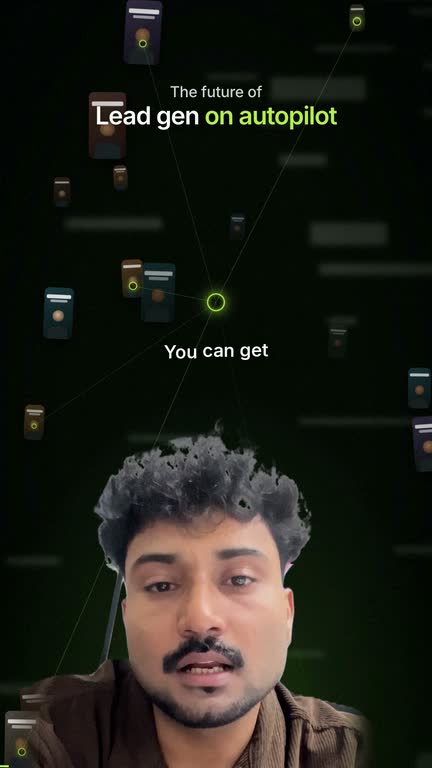
Split-screen tool reel
Video of you
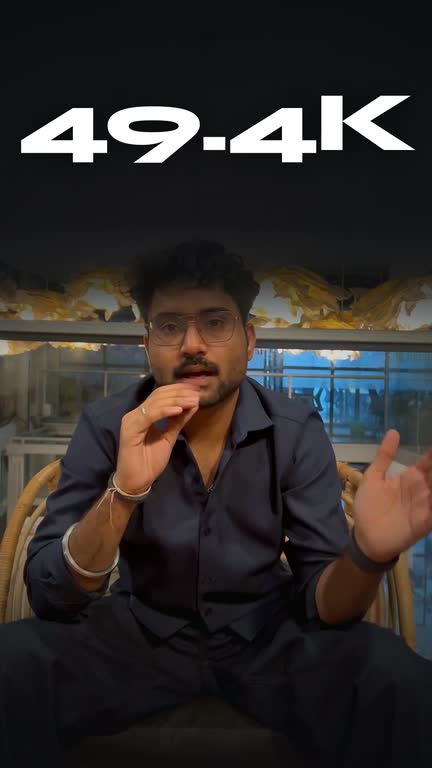
You, with live product UI
Video of you
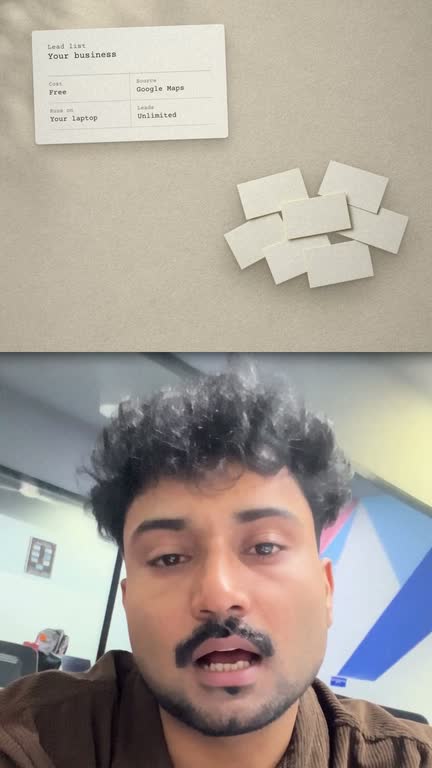
Tabletop product film
Video of you
Which plans include it
Videos of you are made on every plan, from Plus at $19 a month. You see the credit cost of each video before it is made.
- Plus, $19 a month
- Included. A video of you shows its credit cost before it is made
- Pro, $99 a month
- Included. A video of you shows its credit cost before it is made
- Ultra, $249 a month
- Included. A video of you shows its credit cost before it is made
- Done For You, $349 a month
- Everything in Ultra, run for you by our team
See pricing for every plan, the full credit table and credit packs.
Who it’s for
Founders, coaches and experts who want to sound like themselves and post like a team.
Questions
Is this an AI avatar video generator?
Yes, for an avatar of you. People also call it an AI twin or a digital twin: it is trained on about two minutes of your own recording, so the person on screen is you, speaking in your own voice.
How do I make an AI twin of myself?
In Videos of you, upload about two minutes of yourself talking to camera, then record a 30-second consent where you read one sentence. Training usually takes 10 to 30 minutes, and after that any script becomes a talking head video of you.
Do I have to film every video?
No. Record two minutes once and any script becomes a video of you talking.
What should I record for the two minutes?
One take of you talking to camera, centred and framed from the chest up, in soft light and a quiet room. Hold the phone upright if the videos are for reels. The app accepts 30 seconds to 10 minutes; two minutes is the length it suggests.
Do I need to show my face at all?
Only for this format. Carousels and faceless films need no face at all.
How much does an AI twin video cost?
Credits: one amount to set up your twin, then an amount per video, each shown on screen before anything is made. You pay by the second of video made, and a video that fails is free. Research, planning, captions and posting cost no credits.
Which plans include it?
Every plan makes every format, from Plus at $19 a month.
Which editing styles show me on camera?
5 of the 15 styles on our home page: Words behind you, Keyword pop captions, Split-screen tool reel, You, with live product UI and Tabletop product film.
Can I make an AI twin of someone else?
Only with their agreement. The person in the video has to record the short consent on camera themselves, and the twin cannot be used until they have.
Do I have to label an AI talking head video?
Usually, yes. YouTube asks creators to disclose realistic video in which a real person appears to say something they did not film, and Meta asks for its AI label on photorealistic video that was digitally created. Tick the label when you post.
Will the script sound like me?
Scripts are written from your brand brain, which keeps your voice and a list of words you never use. You can read and edit it at any time.
Where can a video of me be posted?
On the accounts you have connected. Run My Social posts to Instagram and Facebook through Meta’s official API, and to YouTube, X and LinkedIn.
Will a video of me be posted before I have seen it?
No, unless you switch on posting without approval. By default every post waits for your OK, videos of you included, and you can approve a whole week in one tap.
See it on your own brand
Start free with 200 credits, no card needed. Then plans start at $19 a month.
Start free